Your family home base
A private home cloud that plugs into your router.
Quark is a small box that gives you your own cloud at home. Keep photos, files, and documents on its built-in storage, or add a USB drive for more room.
- Subscription
- None
- Your files live
- On storage in your home
- Internet
- Not needed at home
- Source code
- Public, MIT-0
- Funding
- Customers, not investors
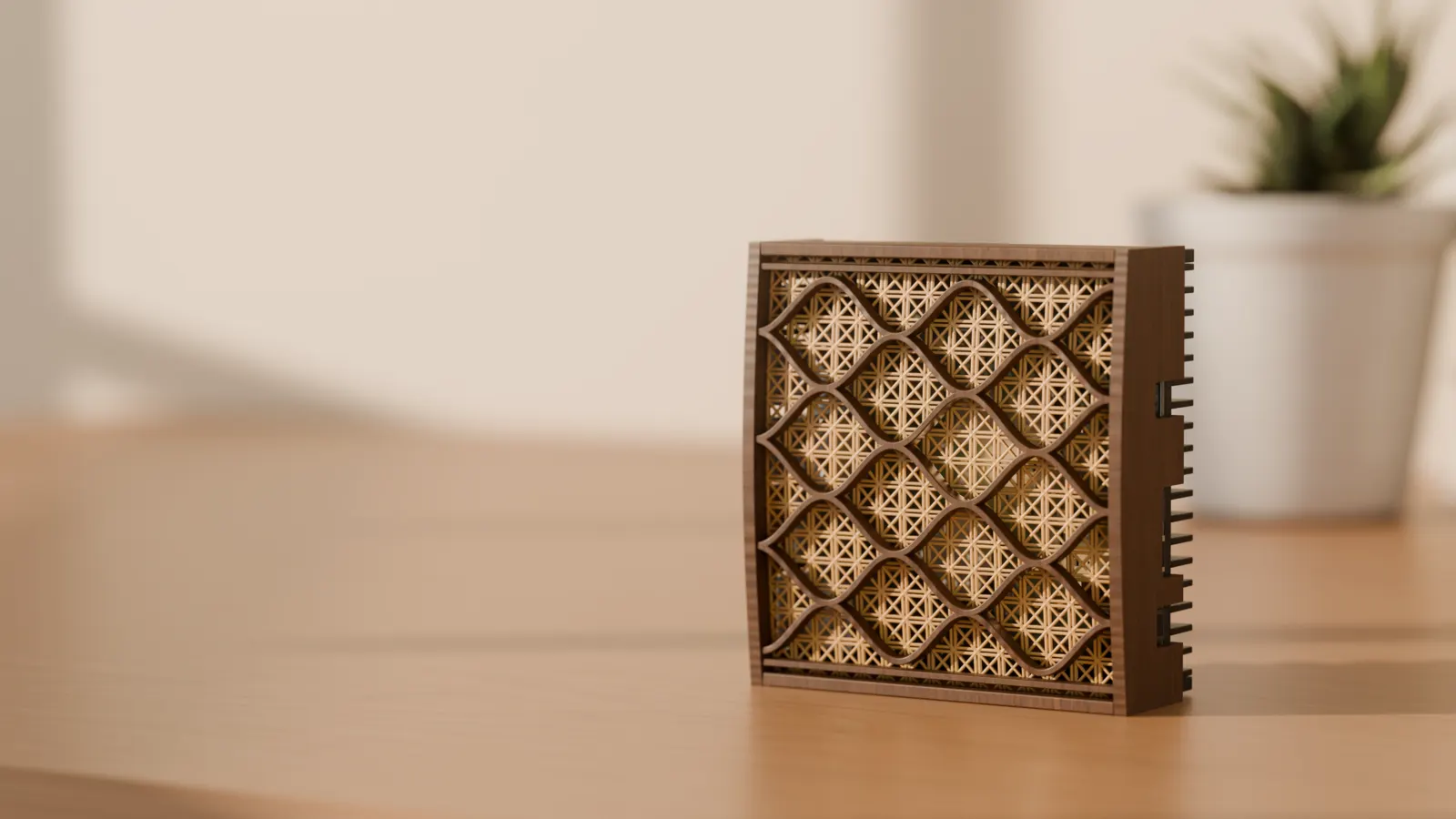
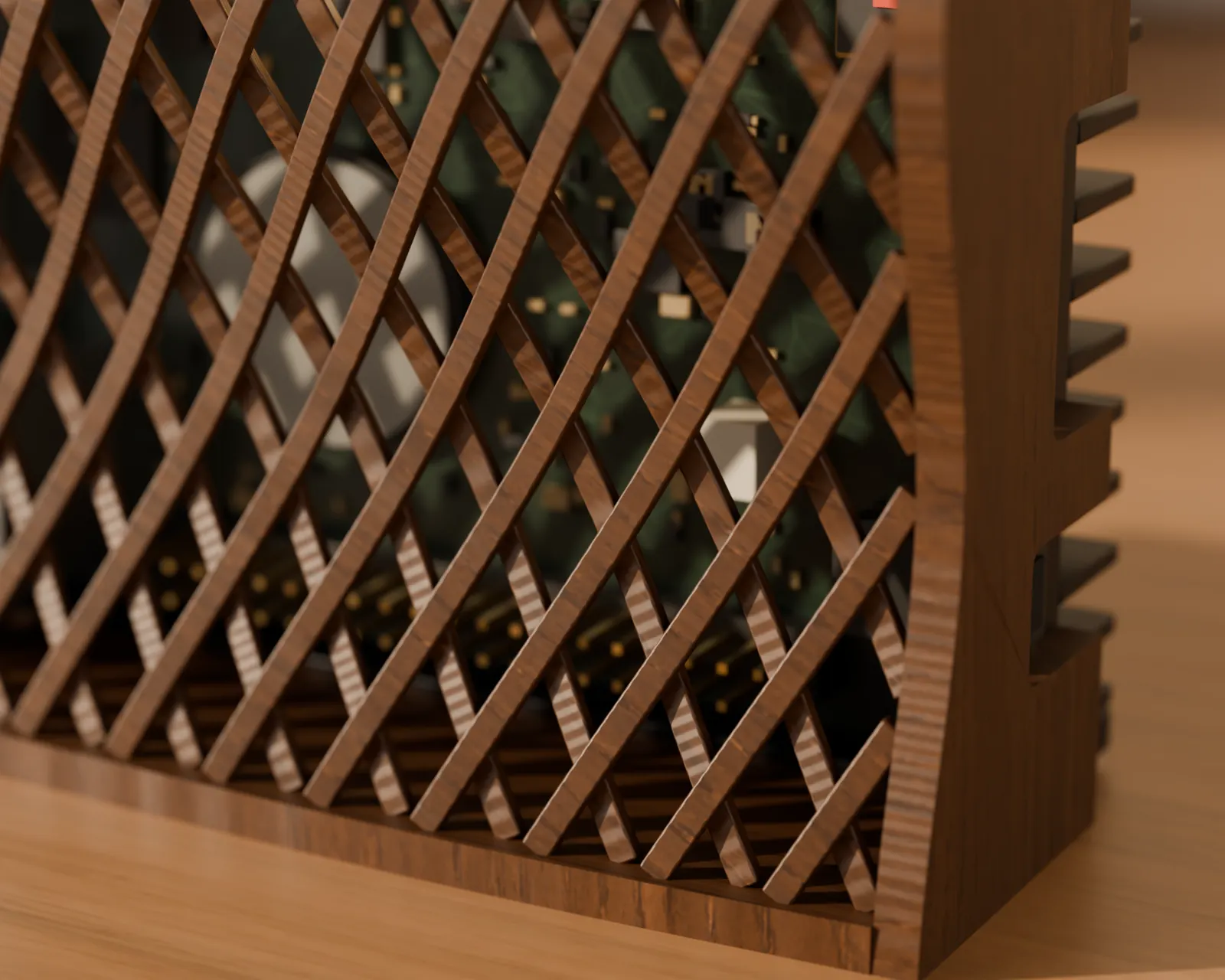
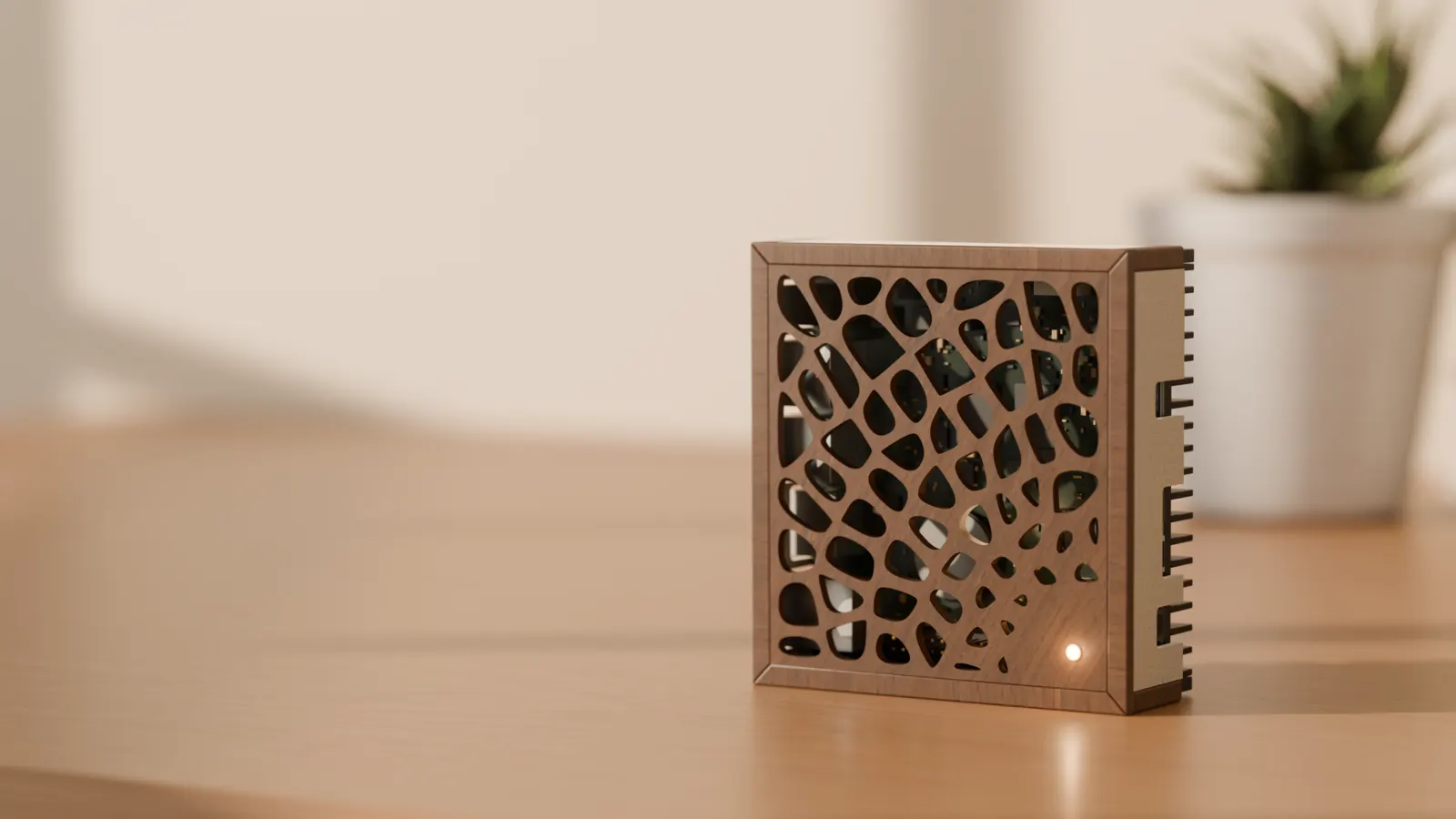
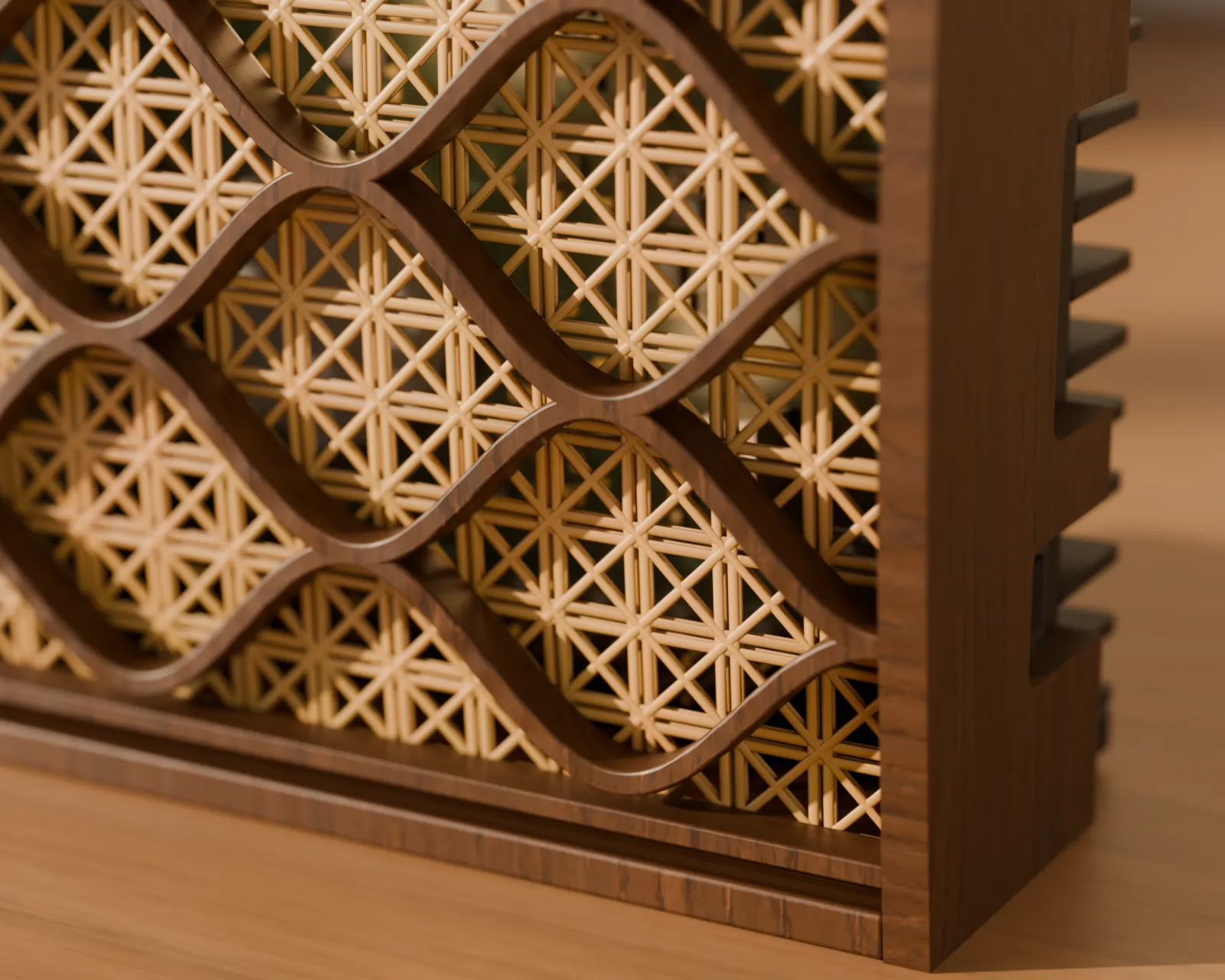
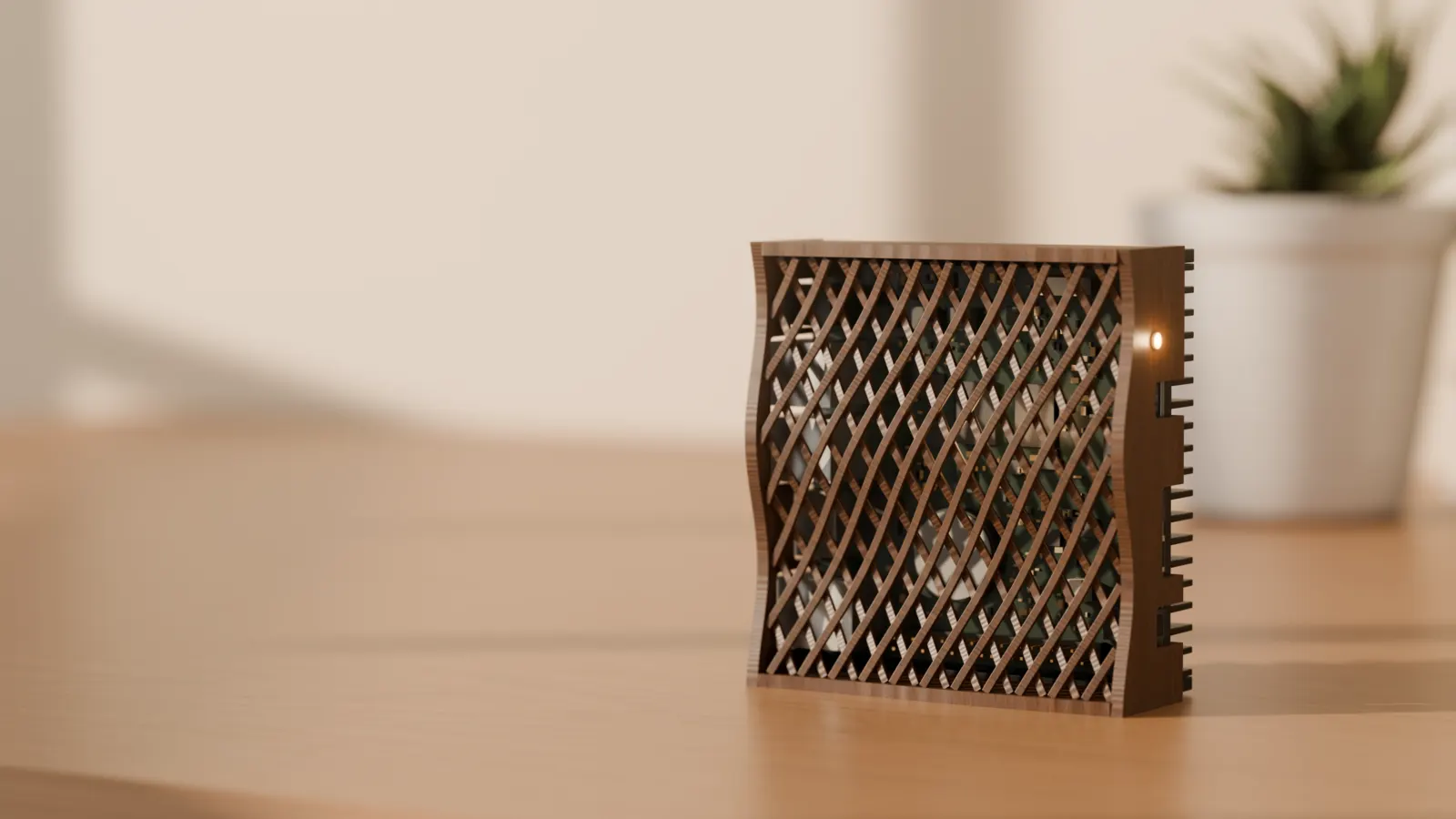
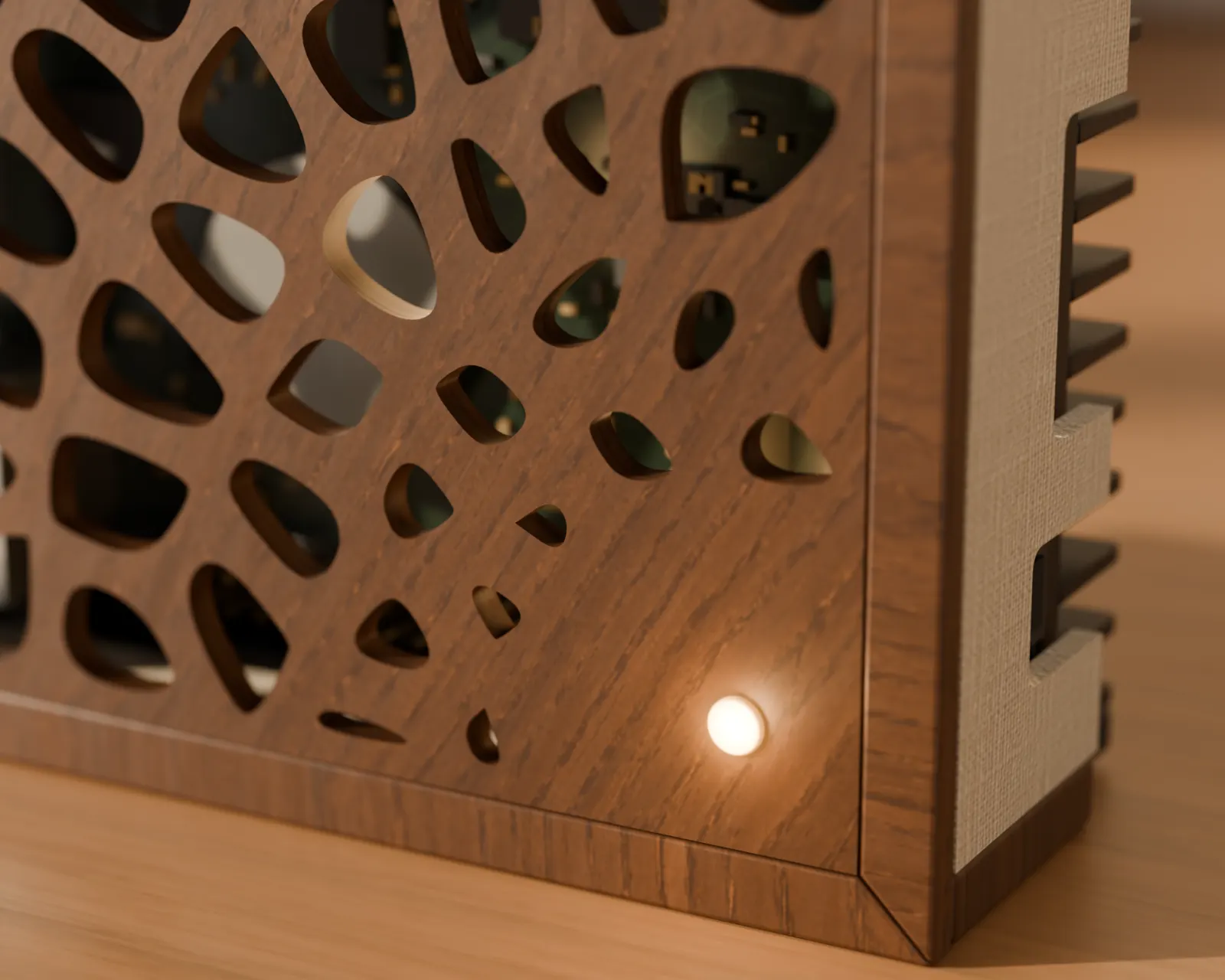
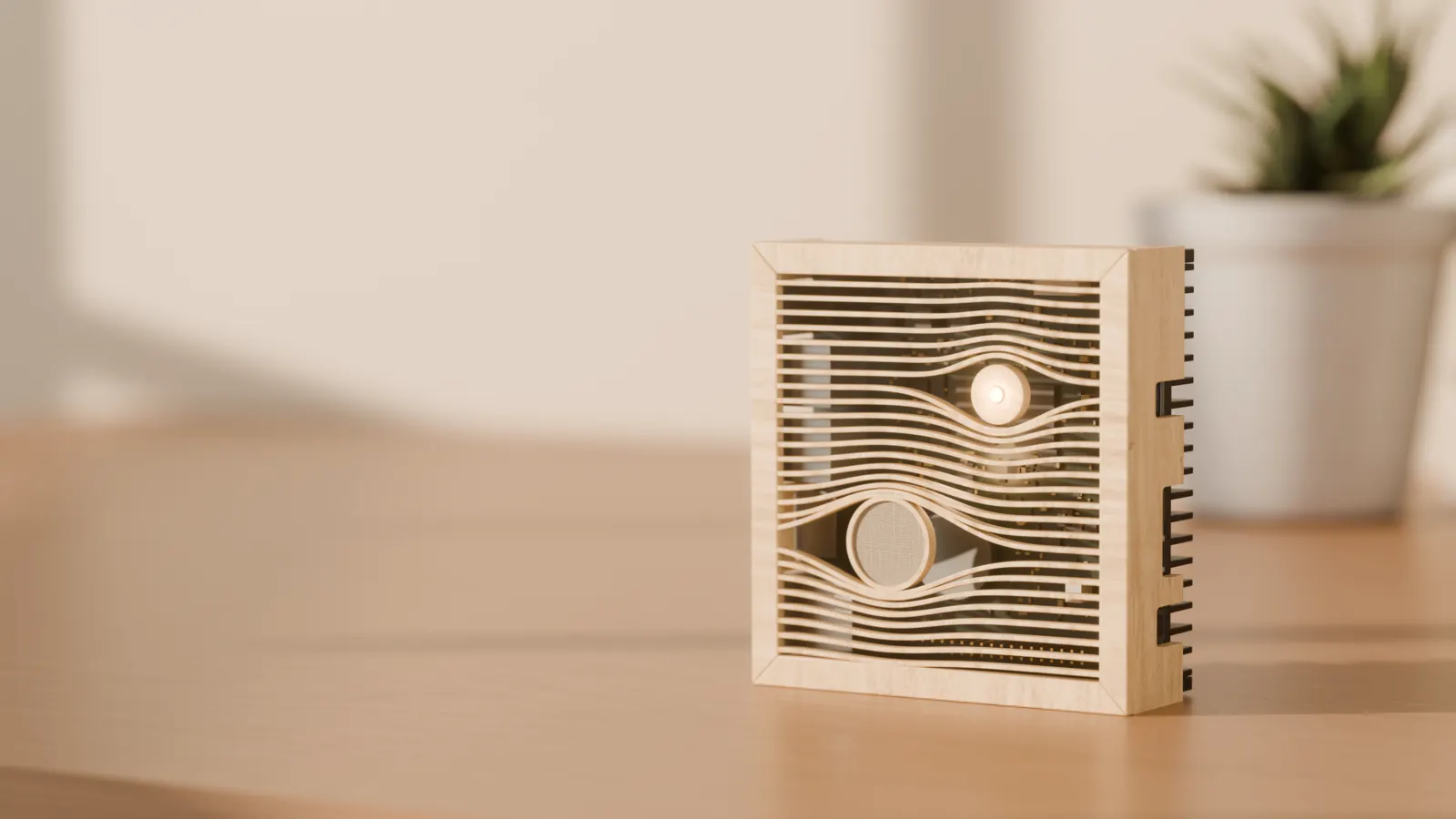
The case
A box that belongs on a shelf.
01 — Why Quark
The convenience of the cloud, the privacy of your home.
Keep your photos, documents, and other files on storage in your home. Quark gives you the convenience of a cloud without renting storage or adding another subscription.
By default, Quark works on your home network without the internet. Remote access stays off until an admin turns it on in Settings → Network. Once it is on, the iPhone and Android apps can reach Quark away from home. Browsers still work only on your home WiFi.
Quark has no analytics or tracking. Your files stay on your own storage, so we don't receive them. We don't take venture capital either; customers fund the work. The code is public, so anyone can inspect it.
No venture capital. Funded by customers.
Open source, for transparency. All of the code is public, and anyone can inspect it.
02 — Setup
Three steps, then it runs itself.
Plug it in
The device goes into a free ethernet port on your router. Power it on and it joins the network.
Attach storage
Quark has built-in storage. Connect a supported external USB drive when you want more room, and replace it with a larger one later if you need to.
Open the app
Install the app on your phone, or just visit the address in a browser. Browse your files, and upload the photos you pick.
03 — In the app
What you get
The apps that run on your Quark, against the files on your own drive.
Files
Browse, upload, and organize everything on the drive from any device on the network. Drag a folder in from your laptop, pull it down on your phone.
Photos
Albums, favorites, and full-resolution originals on your own drive — not a compressed copy someone else keeps. Upload the photos you pick, from your phone or a browser.
Documents
Write and edit documents in the browser. The file sits on your drive the whole time, so there is nothing to export when you want it back.
Spreadsheets
Create and edit budgets, inventories, and anything else you track. The files stay on your Quark, and no outside account is required.
Books
Find the PDF and EPUB files on Quark's built-in storage in one place, then open them in the file viewer.
Vault
A password manager on your Quark. Every account has its own vault, opened with the password you sign in with, and no one else can open it in Quark, not even an admin.
Accounts and sharing
Everyone in the house gets their own account and a space that is private from the other members. Share a folder with a person or the whole household. Admins can open files on the Quark, but not another person's vault or a chat they are not in.
Remote access
Use the iPhone and Android apps to reach your Quark away from home. It stays off until an admin turns it on in Settings → Network. Browsers still work only on your home WiFi, and your files are not copied to us.
Search
Find files by name. In documents, spreadsheets, and presentations, you can also search what is written inside them.
Trash
Deleting something puts it in Trash for 30 days before Quark removes it for good. Until then, you can put it back.
Video and audio
Play what is on the drive in the browser. Trim a clip, save a still frame, or rewrap a video in another container, like MKV to MP4, without re-encoding it.
Apps for your phone
iPhone and Android apps that find your Quark on your WiFi, so there is no address to type. The apps are currently in testing.
System
See how much space is left, which drives are attached, and what the Quark is busy with, without reading a log file.
Chat
Messaging for your household, end-to-end encrypted. The Quark stores messages it cannot read. Take someone's access away and the channel's key is replaced.
Calendar
One calendar the whole household shares, on your own hardware. Day, week and month views, repeating events, and reminders that show up in the app.
04 — Own it
The cloud, in your home.
Instead of renting storage in someone else's data center, you keep it at home. Add a drive, replace it with a larger one, or take it out. The hardware and the data are yours.